What Happens When Every Order Lives in Five Different Places?
In a highly regulated industry, a purchase order has to be right the first time. A mistake doesn't stay in one place. It follows the order into fulfillment, invoicing and audits.
This leading Canadian distributor was dealing with information sprawl. Order details were spread across PDFs, spreadsheets, lookup tables, scattered databases and email threads. Each order took hours of manual attention.
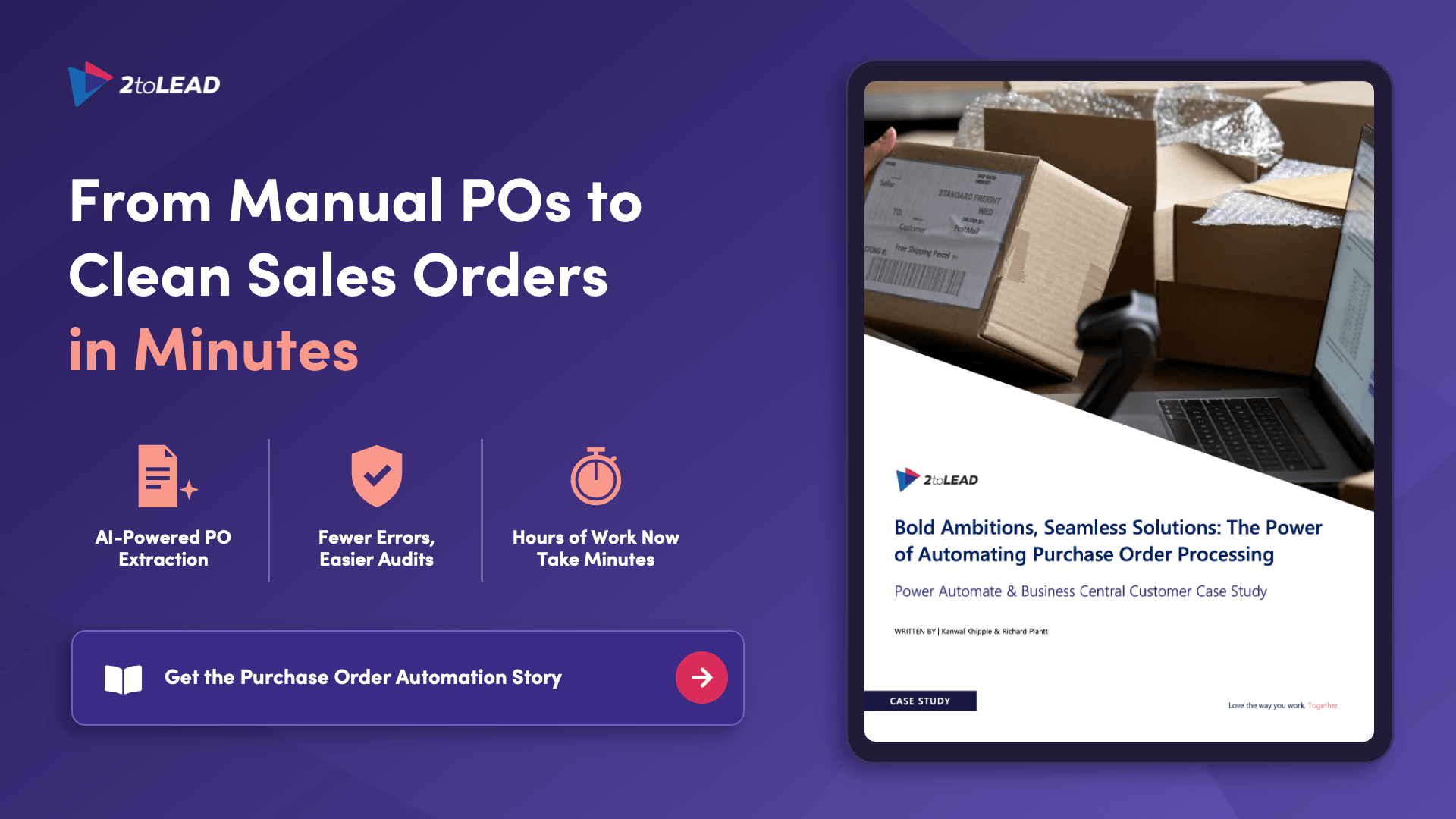
What You'll Uncover Inside This Purchase Order Automation Case Study
- The six-step pipeline that takes a PDF purchase order all the way to a clean sales order in Business Central, and the order of steps that made it reliable
- Where to put the human in the loop. One targeted checkpoint for quality and compliance that doesn't slow orders down
- How the workflow handles AI misses. What happens when the model skips a field or finds a customer it hasn't seen, and why no order gets left behind
- The architecture decision that keeps extraction, enrichment and approval separate, so you can change one stage without breaking the others
- Why Business Central integration used custom web APIs instead of stopping at standard connectors
- The shift the team didn't expect. The biggest result wasn't technical.
- What's next on the roadmap, and why the next phase doesn't require a rebuild
Who Should Read This Case Study
- Operations and finance leaders running high-volume order processes that still depend on copy-and-paste
- Business Central and ERP owners who need clean, complete sales orders without adding headcount
- Technical owners and Power Platform makers designing document automation that has to hold up in production, not just in a demo
- Risk and compliance leaders in regulated industries who need audit-ready data and a human checkpoint they can defend
Get the Full Case Study
Download your free copy now. Get the six-step pipeline, the human-in-the-loop design and the architecture behind it in one read.